
The installation and configuration of the Nextcloud client for Windows and Mac are more or less identical.
1) Download Nextcloud desktop client
2) Open the file and run the installer
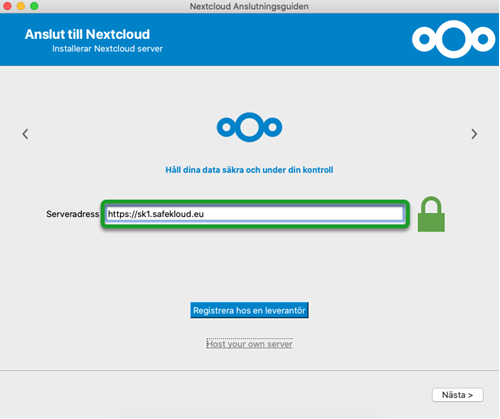
3) Launch Nextcloud and enter your server address: https://sk1.safekloud.eu/
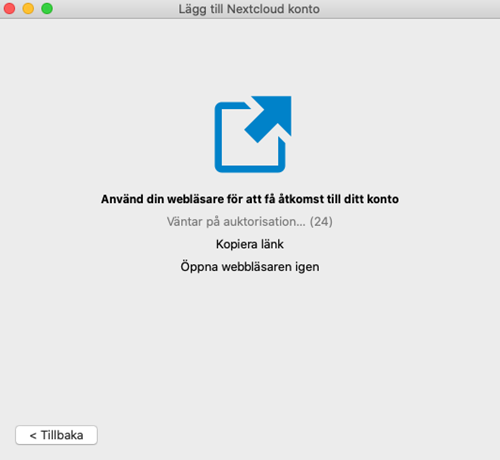
4) A web browser will open to connect your account. Approve the connection in the web browser. If you encounter any problems, copy the link and open it in another browser to approve the connection.
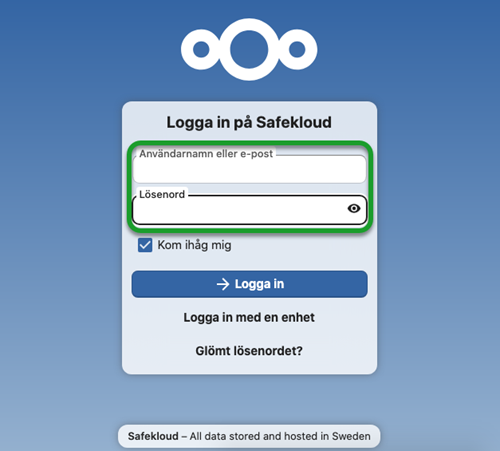
5) Log in using your username and password
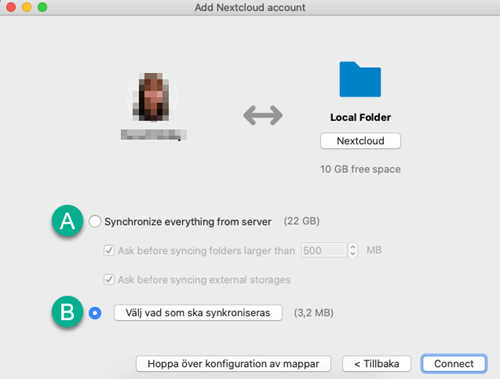
6) Adjust the settings if needed
A) Synchronize all folders.
B) Select what to synchronize. In the list, you can deselect items you don’t want to synchronize.
7) Nextcloud will now automatically sync your files on your Mac.